Custom Action Packs are built for organizations that want more from Automate without scripting every recurring problem again. You add extra capabilities to the environment you already use.

The actions are used as building blocks in Automate. Your team does not work with separate code outside the platform, but with familiar steps in the Task Builder.
A script is often made for one process. A Custom Action is designed to reuse the same logic, by multiple builders and across multiple workflows.
You do not need to own validation, deployment, documentation and version changes yourself. Korper delivers the actions as a maintained subscription.
Custom Action Packs are built for organizations that want more from Automate without scripting every recurring problem again. You add extra capabilities to the environment you already use.
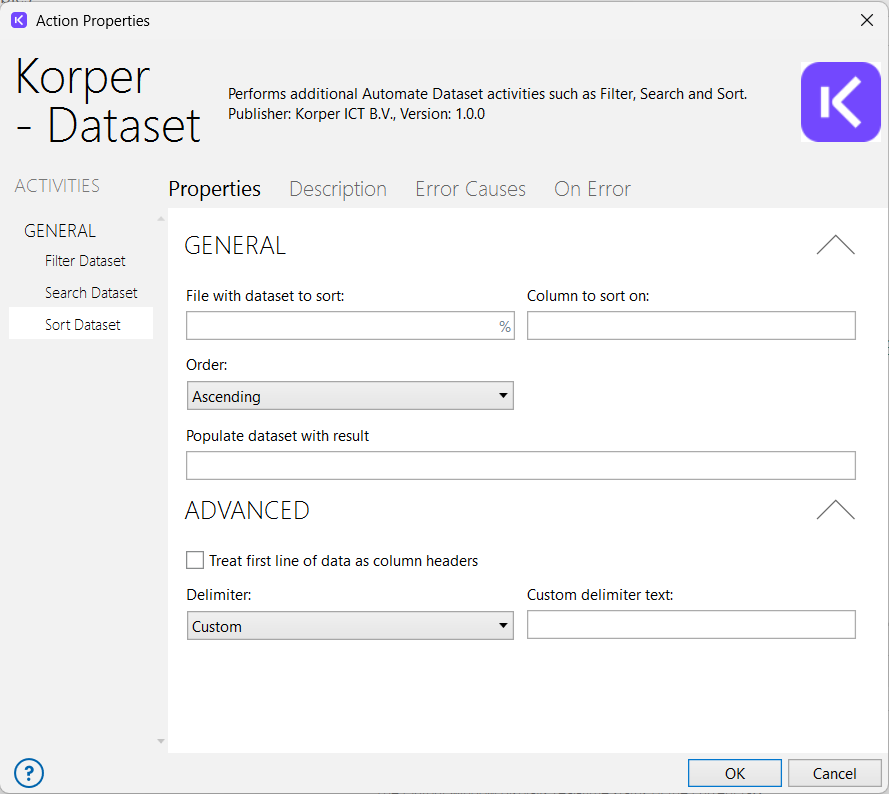
For practical helper functions in workflows. Think of comparing text, searching and sorting datasets, date functions, file checks and cleaning temporary files.
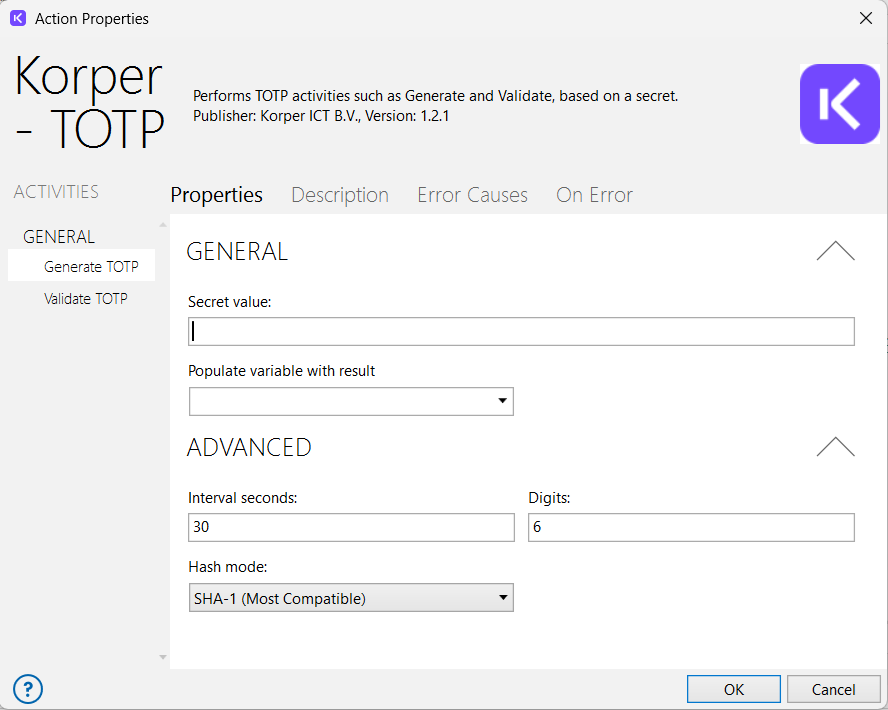
For processes where access, tokens and sensitive values matter. A distinctive example is the TOTP action, which lets you generate and validate TOTP codes directly in Automate.
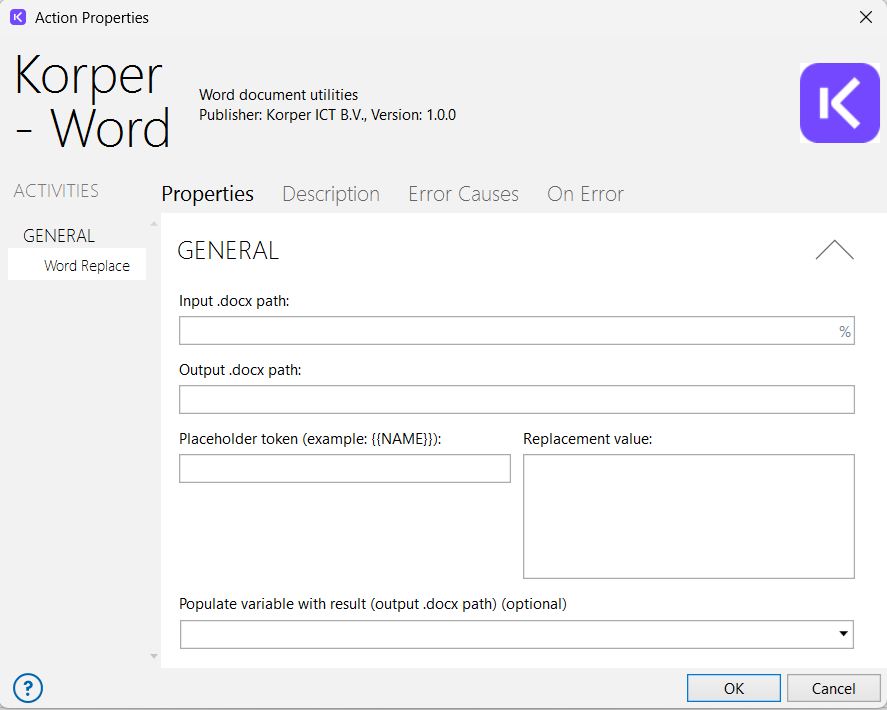
For creating and processing documents. For example, creating Word documents or preparing documents for further processing inside an automated process.
For workflows that need to keep running predictably. Think of log levels, central logging, exception handling, retry logic and timeouts.
For extra connections and smart workflow steps. Think of messages, file transfer and LLM actions that can also support local models when the environment allows it.
For heavier execution and process control. Think of running Python, queues, dispatcher and performer patterns and parallel processing.
Create documents from fixed input and process the output further in Automate.
Connect a language model to your workflow. This can be used for cloud models and, where the environment allows it, also for local models.

Generate or validate TOTP codes directly in Automate. Useful for processes where temporary codes are part of the workflow.
Search, check and sort datasets without an extra scripting layer. Useful for checks, exports and process data.
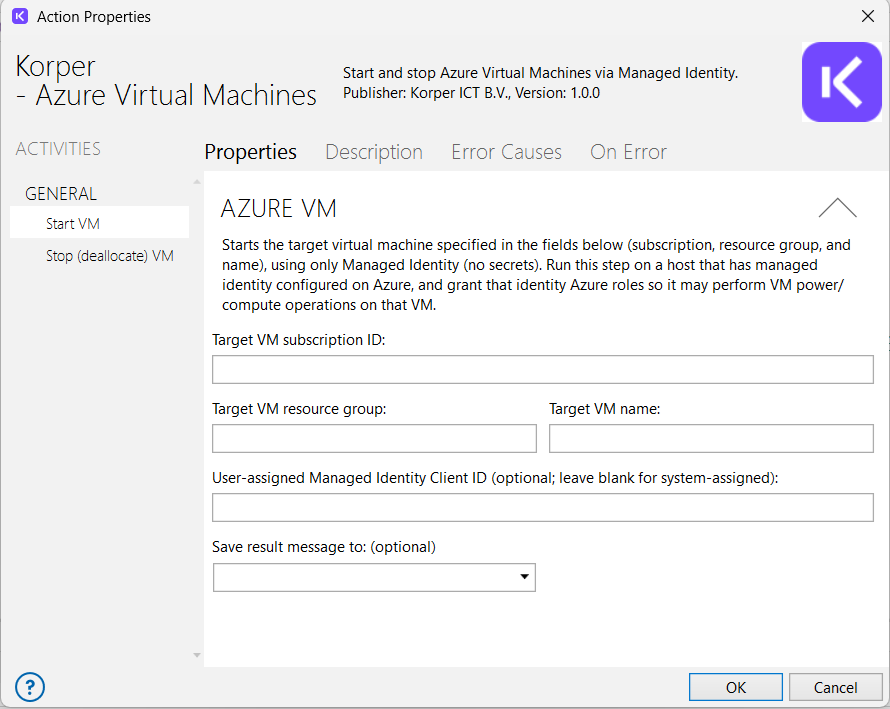
Start and stop Azure VMs without passwords using Managed Identity
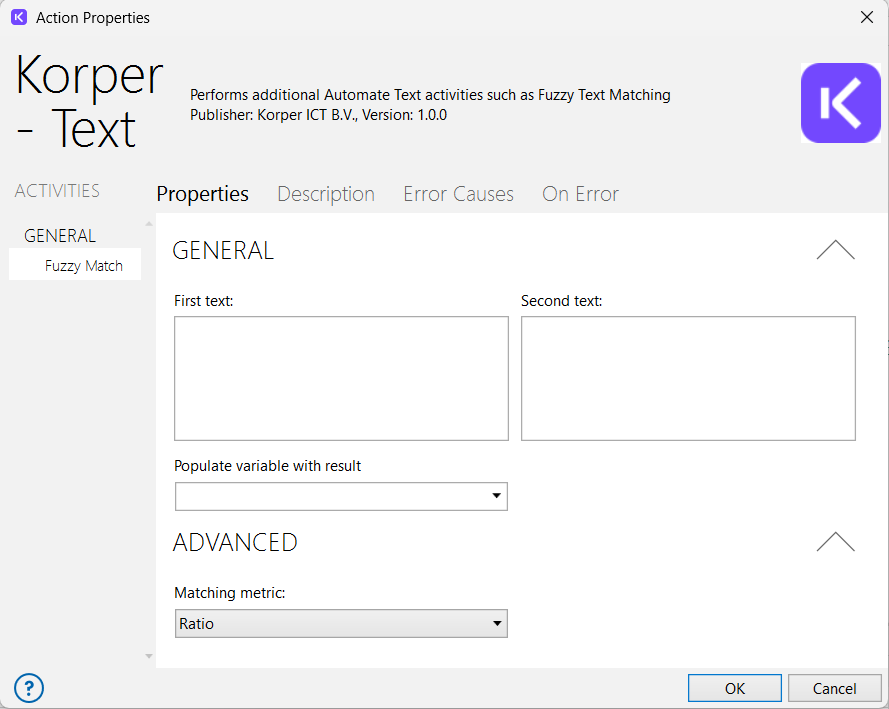
Use text logic as a fixed step, for example for comparing, cleaning and recognizing text.
Korper works with Automate every day to design, improve and manage processes. We use that practical experience to create actions that match real automation questions.
An action should not only work. It should be clear for the builder, testable and fit into a manageable Automate environment.
Because recurring logic is already available as an action, your team can deliver faster and spend less time on workarounds.
You work with specialists who know Automate in depth and can help think through usage, setup and extension.
The Automate license gives access to the platform. With the Action Packs, you add production ready building blocks delivered and maintained by Korper.
Prices are monthly amounts and are billed annually. Maintenance and compatibility updates for supported Automate environments, as well as new actions within the selected subscription, are included.
From €49 per month*
For organizations that need one specific action for a concrete process or a clear use case.
Choose Single Action when you need one concrete function and want to solve it quickly without taking a broader set of actions.
*Custom Action Packs require an Automate environment with support for Custom Actions. Automate Desktop is out of scope.
From €119 per month*
For teams that want to use multiple actions in one area, such as security, document automation, utilities or connectors.
Choose Action Pack when you want to use multiple actions in the same theme, such as security, document automation or workflow utilities.
*Custom Action Packs require an Automate environment with support for Custom Actions. Automate Desktop is out of scope.
€299 per month*
For organizations using Automate more broadly and wanting access to the full library with available packs and new additions within the subscription.
Choose Full Action Library when you use Automate structurally and expect several teams or processes to benefit from extra actions.
*Custom Action Packs require an Automate environment with support for Custom Actions. Automate Desktop is out of scope.
50 percent discount on the production subscription*
For test, acceptance or development environments next to production.
Choose a development and test environment license if you want to test actions in a separate environment before using them in production.
*Custom Action Packs require an Automate environment with support for Custom Actions. Automate Desktop is out of scope.